- Home
- access-control
- Users
- Security credentials
Security credentials
Security credentials
Security credentials consist of:
- Client ID
- Client Secret
NOTE
- It is not possible to generate Client Credentials using federated logins.
To generate a Client ID and Client Secret, follow the steps below:
Creating security credentials
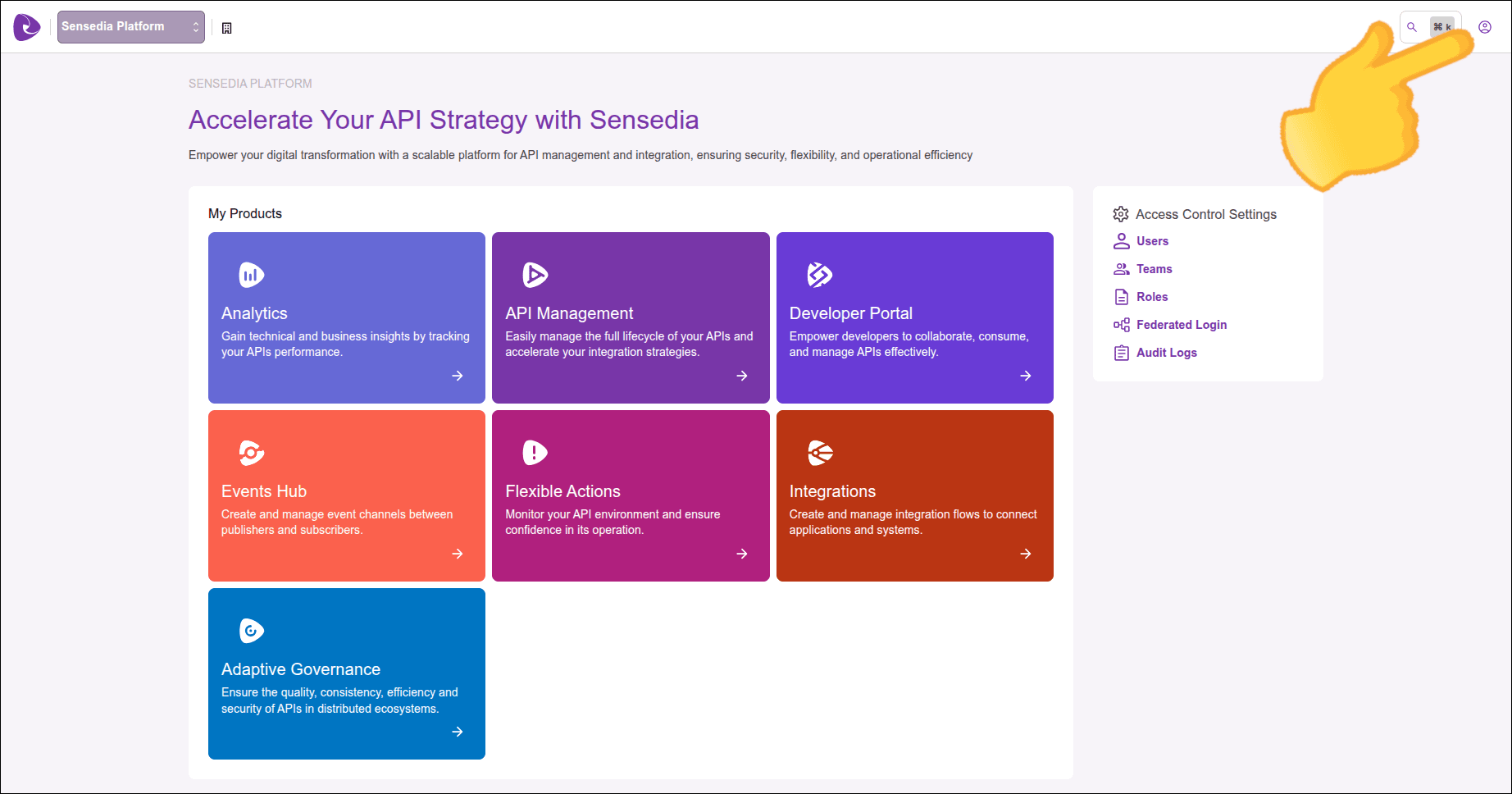
Click the icon in the upper right corner of the screen.
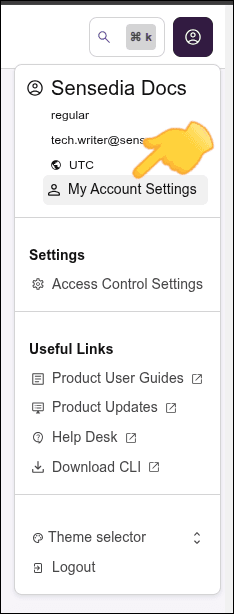
Click My Account Settings.
You will see two tabs: General Settings and Credentials.
IMPORTANTOnly Super Admin users can manage access to credentials.
In the Credentials tab, click the Generate Credentials button.
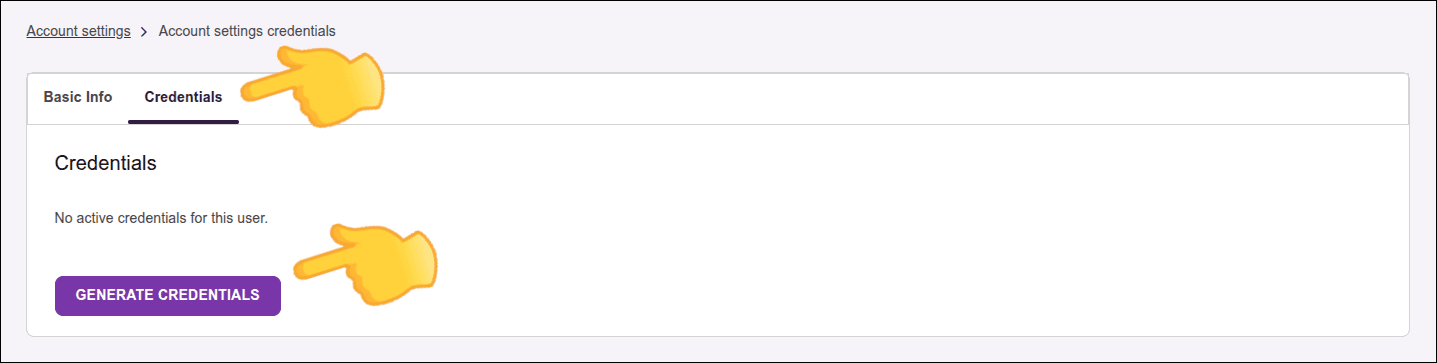
The security credentials will be created and displayed on the screen.
Copy the information and keep it with you.
The Client Secret will not be displayed again.
That is, a user cannot generate a new credential until the existing credential is revoked.NOTEOnly one active credential per user is allowed.
Revoking credentials
To revoke the user credential, still in the Credentials tab click Revoke Credentials. Then click Remove.
The Credentials tab will be empty.
That is, other Super Admin users cannot revoke credentials from others.IMPORTANTOnly a Super Admin user is allowed to revoke their own credentials.
WARNING
- The Client Secret will be provided only once in the Credentials tab.
- Security credentials will not work if the MFA (Multi-Factor Authentication) feature is enabled.