- Home
- Integrations
- Multicast
Multicast
The Multicast EIP distributes a message to multiple processing routes, allowing each route to execute its logic independently. Thus, the integration flow connects to multiple systems or services simultaneously.
Configuring the Multicast EIP in the Diagram
To configure a Multicast in an integration in the Diagram tab, follow these steps:
Click +Add Step on the canvas.
Select the EIPs tab.
Select the Multicast EIP. You can use the search tool to locate it.
When adding the EIP to the canvas, two branches with empty steps will be created. By clicking Add Step, you can add an EIP or component.
After the Multicast EIP, you can add steps that unify the flows from different destinations to continue the integration process.
NOTEFor details on how to configure the Aggregation Strategy field, see aggregation strategies.
Deletion of the Multicast EIP and its branches
When deleting the Multicast EIP, all destinations and their respective steps will be removed.
Example
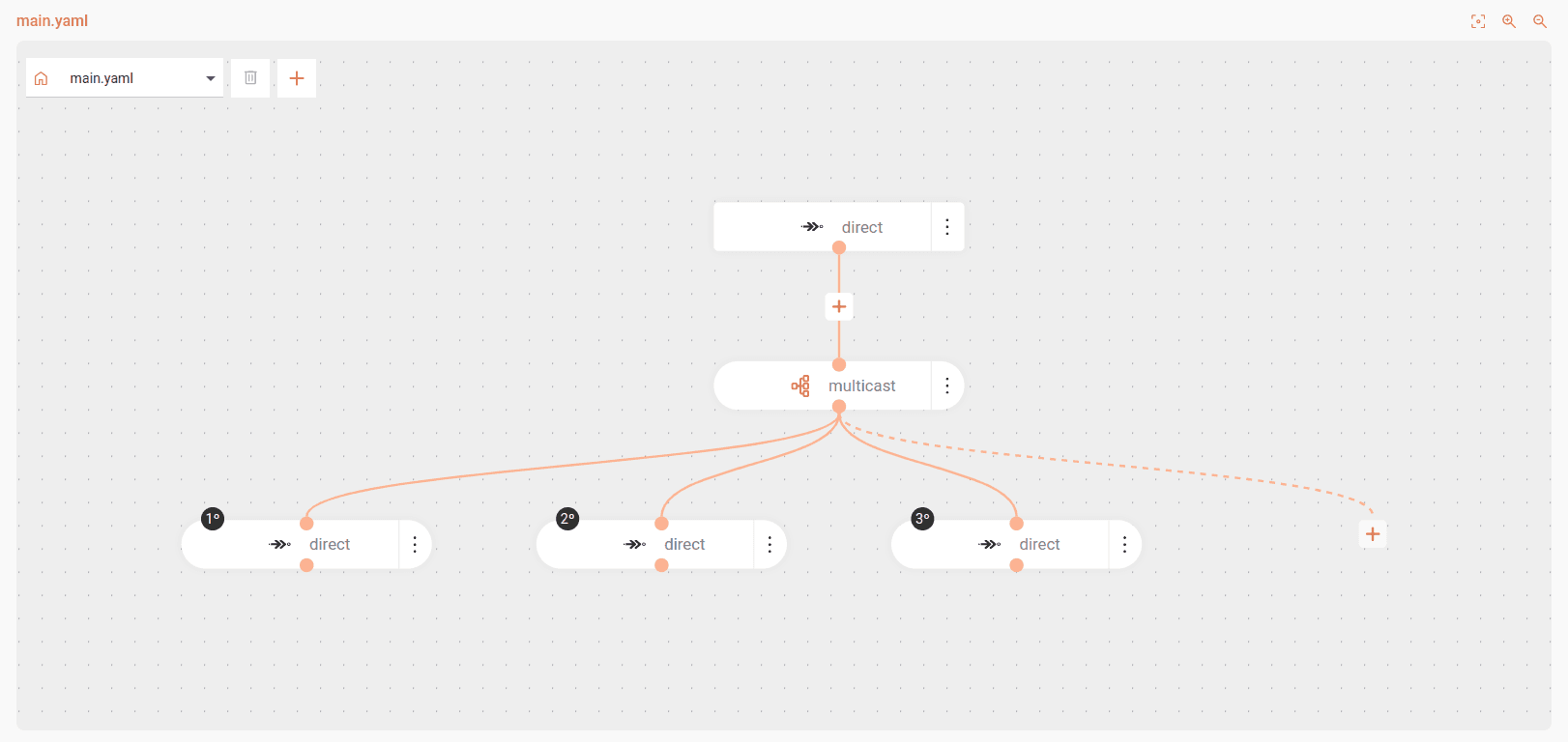
The flow starts at the direct:start endpoint and uses the Multicast EIP to execute three actions simultaneously:
- Send email
- Update stock
- Register analytics
This pattern is useful when you need to execute multiple independent actions in parallel from a single data input.