- Home
- Integrations
- Flow Variables
Flow Variables
Variables allow for custom flow configuration and environment parameterization, eliminating the need to create a separate integration flow for each environment.
IMPORTANTIf your flow has a REST type trigger, it will not be possible to use environment variables in the URI.
Creating a variable
Variables can be created in both the Diagram tab and the Source Code tab.
In the Diagram tab:
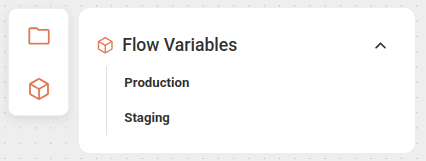
Click the variables icon  on the left side of the canvas.
Select the environment in which the variable will be applied: Production or Staging.
Register the variable in the form that opens.
Save the variable by clicking SAVE.
In the Source Code tab, in the folder structure Source > Flow Variables:
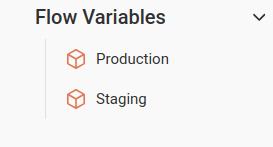
Select the environment in which the variable will be applied: Production or Staging.
Register the variable in the form that opens.
Save the variable by clicking SAVE.
To register a variable, fill in the following fields:
- Variable: variable name.
Alphanumeric field.
The use of
.and_characters is allowed. - Value: value assigned to the variable, which will be deployed automatically according to the selected environment.
To apply the variables, enter the variable name in curly braces inside the component, as in the example below:
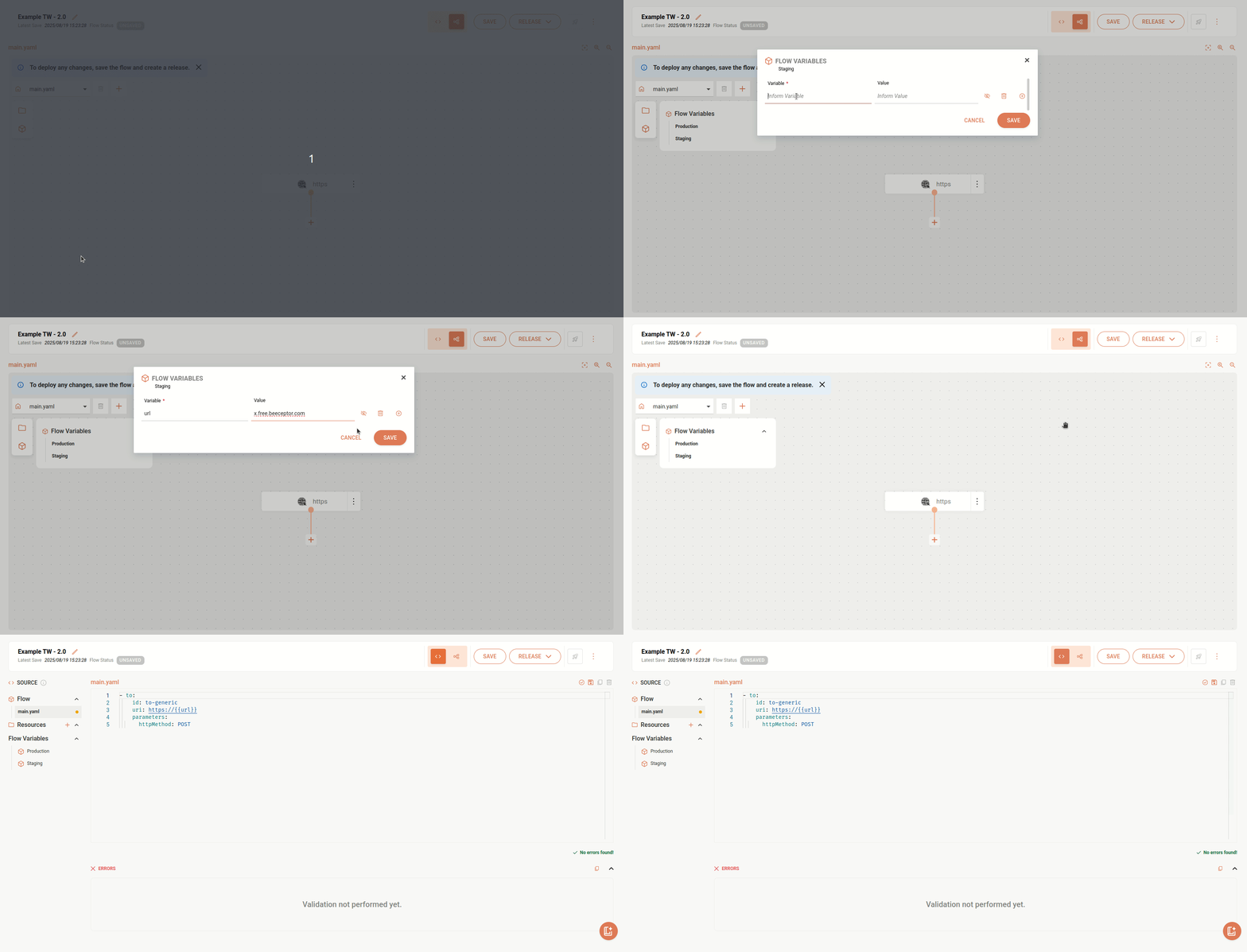
- Variable in the HTTPS component:
In this case, follow the steps below:
. Register the variable by clicking the flow variables icon on the canvas. *. In the HTTPS component form, in the Common tab, fill in the Http Uri field with the variable name in curly braces:
{{variable name}}.
Variable management
- To add more than one variable, click the + button on the right side.
- To delete a variable, click the trash icon.
- To hide a variable, click the eye icon.
IMPORTANTIt is not possible to change the variables of a flow with Deployed status. To modify them, a new deployment will be required.
Locked variables
The variables listed below are reserved for internal use and cannot be used:
Examples
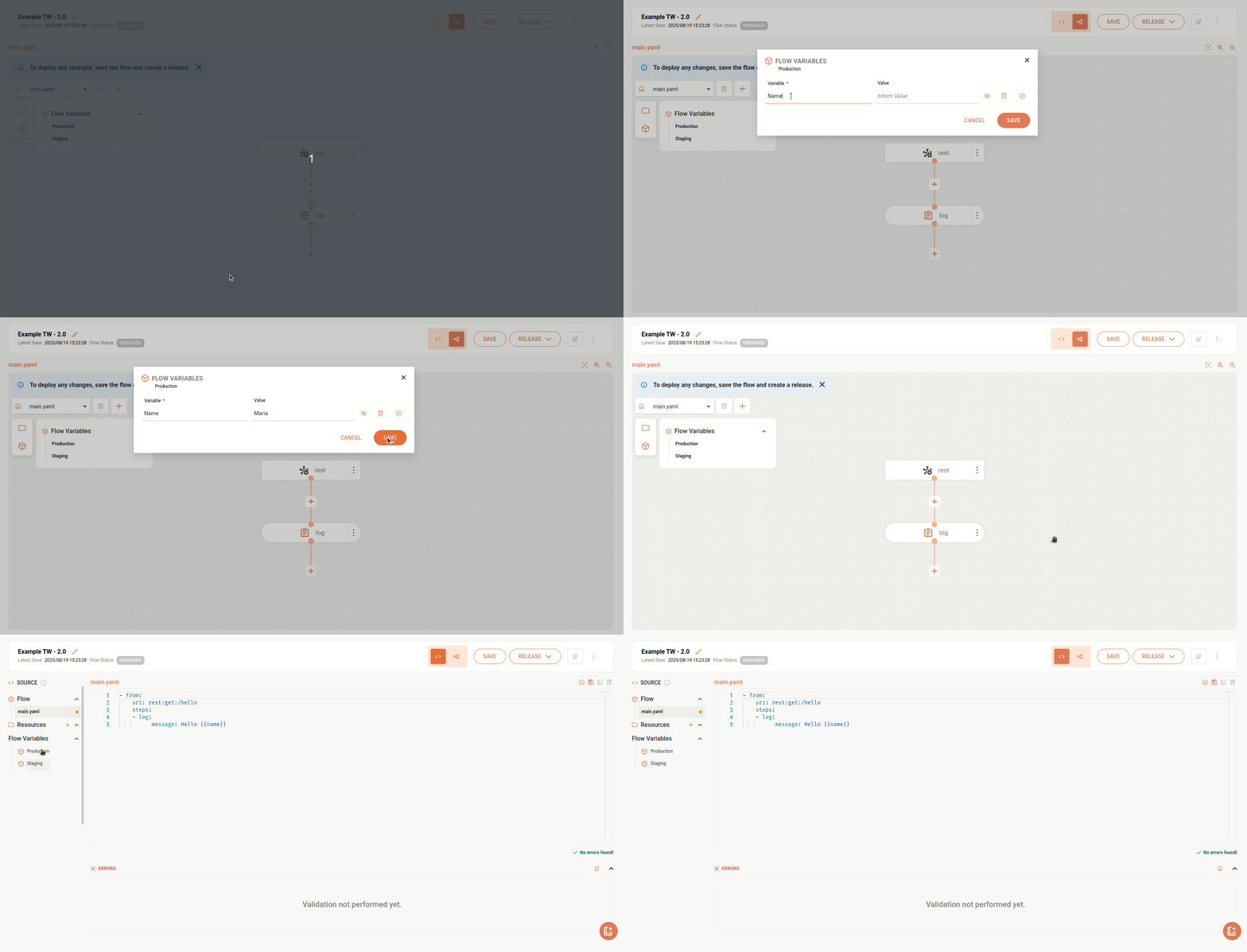
The example below references the variable "name". When executing this integration, the variable will be replaced by the registered name.
In this other example, we reference a variable in a URL.