- Home
- Integrations
- t Mail
t Mail
The Mail component is used to send and receive emails. It is commonly divided into three main protocols:
- IMAP/S for accessing and managing emails on the server.
- POP3/S for downloading emails from the server.
- SMTP/S for sending emails.
Main fields
Path parameters
NOTEIf the port number is omitted, Camel determines the port number to use based on the protocol.
Query parameters
IMAP/IMAPS
The IMAP component is a protocol used to receive emails, allowing access to multiple mailbox folders and manipulation of messages directly on the server.
NOTEIMAPS is a secure version of IMAP that transmits encrypted data using SSL/TLS.
URI Syntax: imap:host:port or imaps:host:port
Example
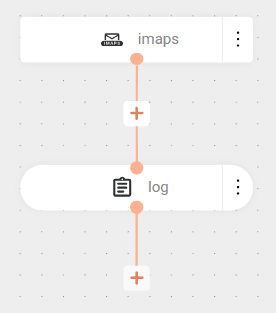
The flow uses the secure IMAP protocol (IMAPS) to connect to the Gmail server on port 993, checking the inbox every 60 seconds (delay=60000). It fetches only unread emails (unseen=true) using the provided credentials (username and password).
When it finds new emails, it consumes them and logs the entire content (showAll=true), but does not remove them from the server (delete=false).
Result
POP3/POP3S
The POP3 component is used to retrieve emails from POP3 servers, allowing Camel to access the inbox, read messages, and process them automatically in an integration flow.
NOTEPOP3S is a secure version of POP3 that transmits encrypted data using SSL/TLS.
Sintaxe da URI: pop3:host:port or pop3s:host:port
Example
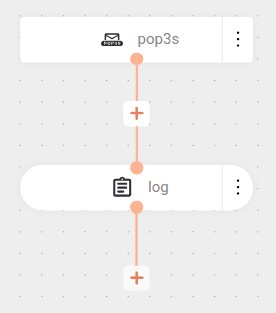
The flow uses the secure POP3 protocol (POP3S) to check the Gmail inbox every 60 seconds (delay=60000), fetching only unread emails (unseen=true).
When it finds new emails, it consumes them and logs the entire content, but does not remove them from the server (delete=false).