Login
The login area authenticates users for using Sensedia solutions.
You can log in with Access Control username and password or with a federated server user.
Access Control offers support for integrations with SAML, OpenID, or GSuite federation types.
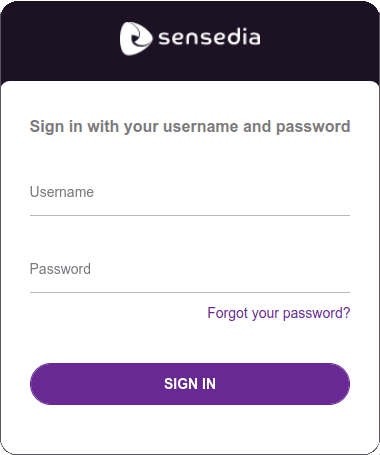 |  |
|---|---|
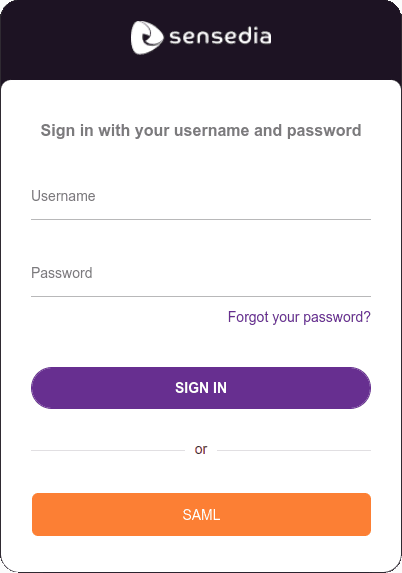
| Access Control login screen | Login screen with external provider |
The image on the right above shows the login screen for users who have both Access Control access and federated login. The last button, in orange, displays the name entered when configuring federated login.
To learn how to configure a federated login, click here.
If you receive, at login time, a screen like the one illustrated below, enter your tenant alias.
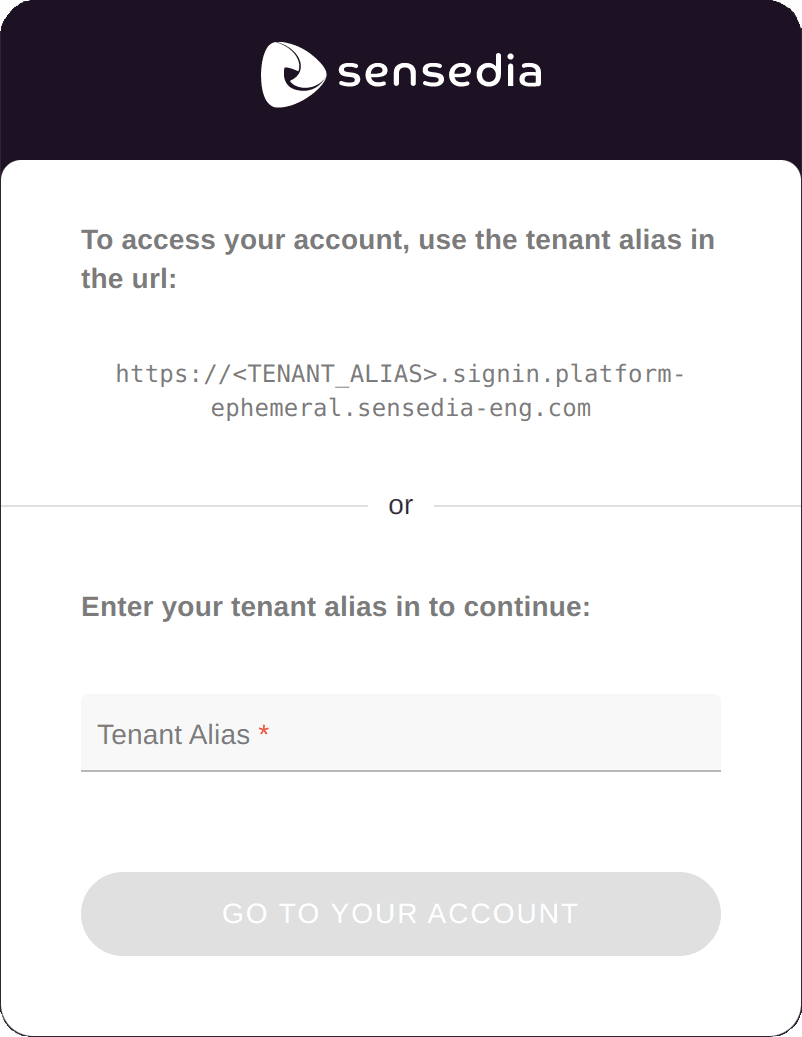
It's also possible to enter the tenant alias directly in the URL, as in the example below (without the < >):
Login with multi-factor authentication
When multi-factor authentication (MFA) is active, when logging in, the user will be redirected to the MFA flow. This flow has the following steps:
i. username and password authentication;
ii. obtaining the MFA key and
iii. MFA key authentication.
The second step requires the user to have installed on their mobile device (e.g., smartphone, tablet) the application that will be responsible for reading the MFA key and providing valid tokens.
To learn how to activate or deactivate MFA for your user, click here.
Click here to learn how to activate or deactivate MFA for other users. Your user needs to have the appropriate permissions for this.
Login with multi-factor authentication is not available for active external identity provider connections.
Reset password
From the login screen it's possible to reset the access password by clicking Forgot your password?.
In the screen that opens, enter your username or email and click the RESET MY PASSWORD button.
You will receive an email with a numeric code, which will be necessary to define the new password.
NOTEWhen requesting password reset, to protect user privacy, our system always reports that an email was sent, even if the user is not registered.
If you don't receive the email, check if the username was typed correctly.