- Home
- Integrations
- Legacy Documentation - Old Canvas
- Connector Manager
Connector Manager
IMPORTANTExclusive functionality for old canvas flows (legacy).
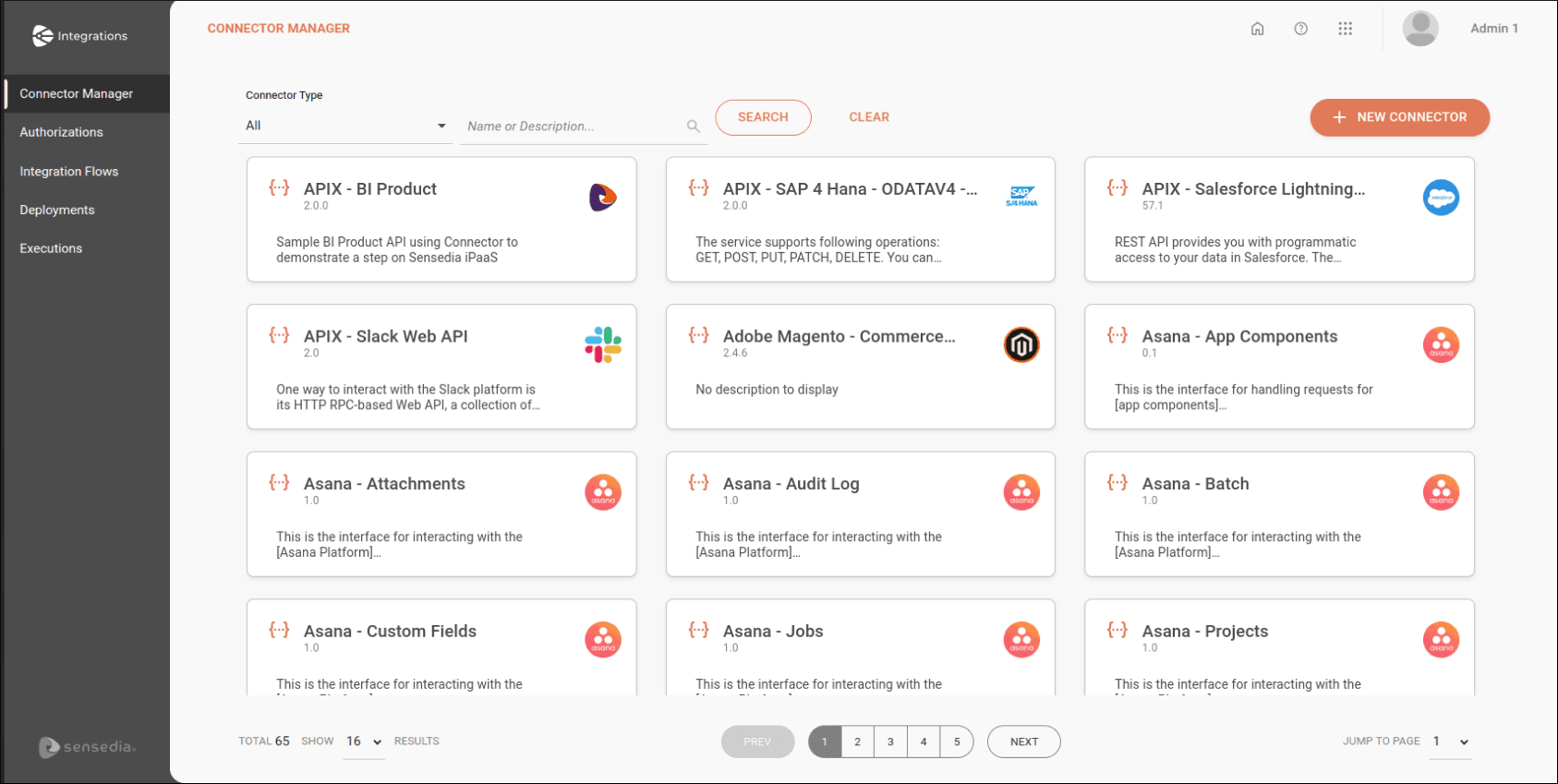
To create, edit, and view connectors, access the Connector Manager screen.
NOTEYou can view all public connectors and those you created (private).
Connectors are displayed on cards in alphabetical order. Each card contains an icon identifying the connector, a title, and a description.
To search for a connector, type its name or a word from its description in the search box at the top of the screen. Then click SEARCH.
You can also restrict the visualization of connectors by type. To do this, in the upper right corner, click the arrow in the Connector Type field and select the type of connector you want to use as a filter.
If you want to clear what was typed or return to the initial view of available connectors, click CLEAR.
Create and configure connectors
See how to create and configure each type of connector:
- REST API
- Technical (APIM):